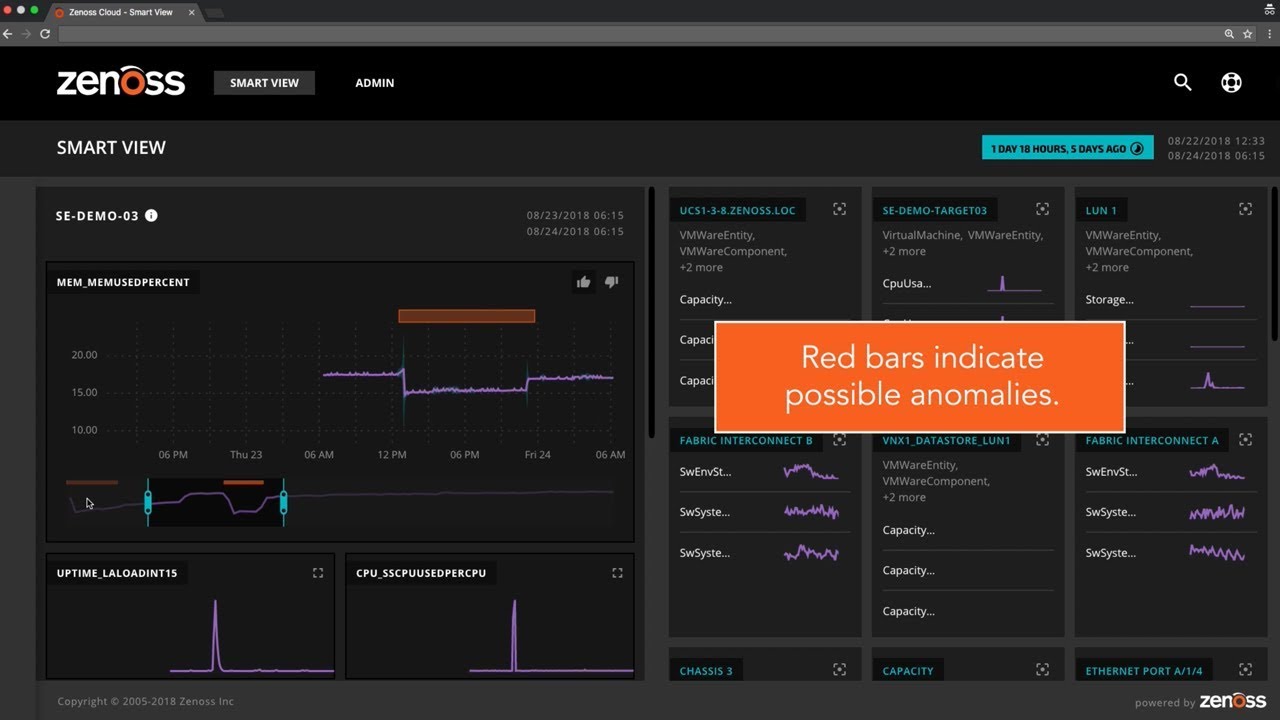
Screenshot Tour of Zenoss EnterpriseClick below for quick tour of Zenoss Enterprise. For more information check out the product overview or contact sales.
Login PageThe Zenoss web-based user interface is multi-tenant allowing customers to create as many user accounts as needed. Key features include:
Setup WizardThe setup wizard runs the first time you login into Zenoss. The wizard will prompt you for all the necessary information needed to complete your Zenoss installation. Key features include:
Google Maps on DashboardGoogle Maps integration allows customers to visualize how alerts impact different geographic locations. Google maps can be displayed on the Dashboard alongside other portlets. Key features include:
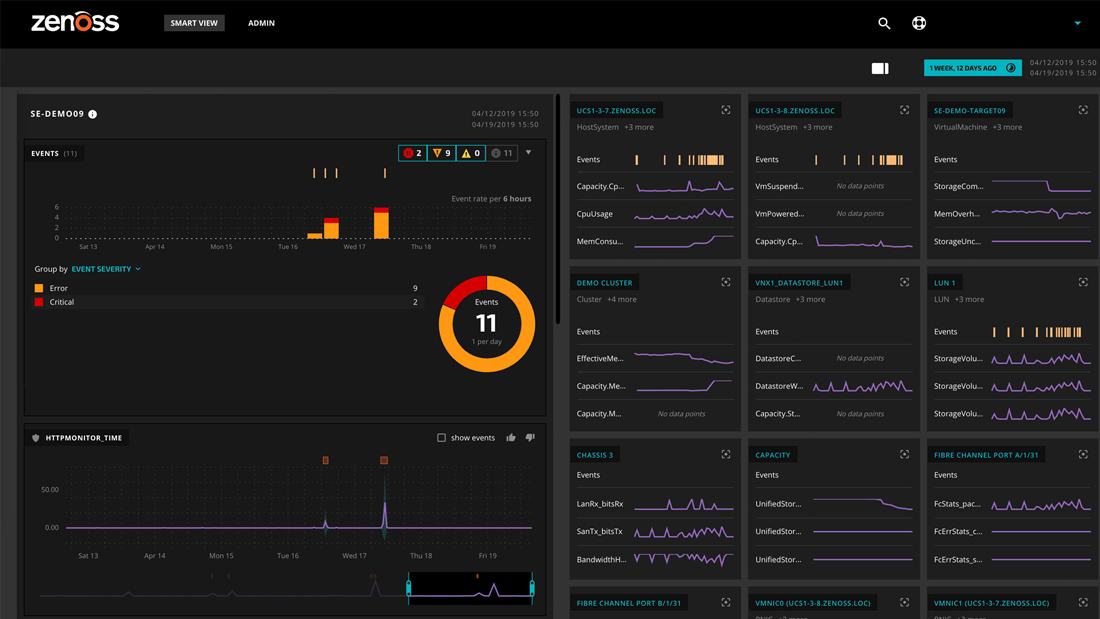
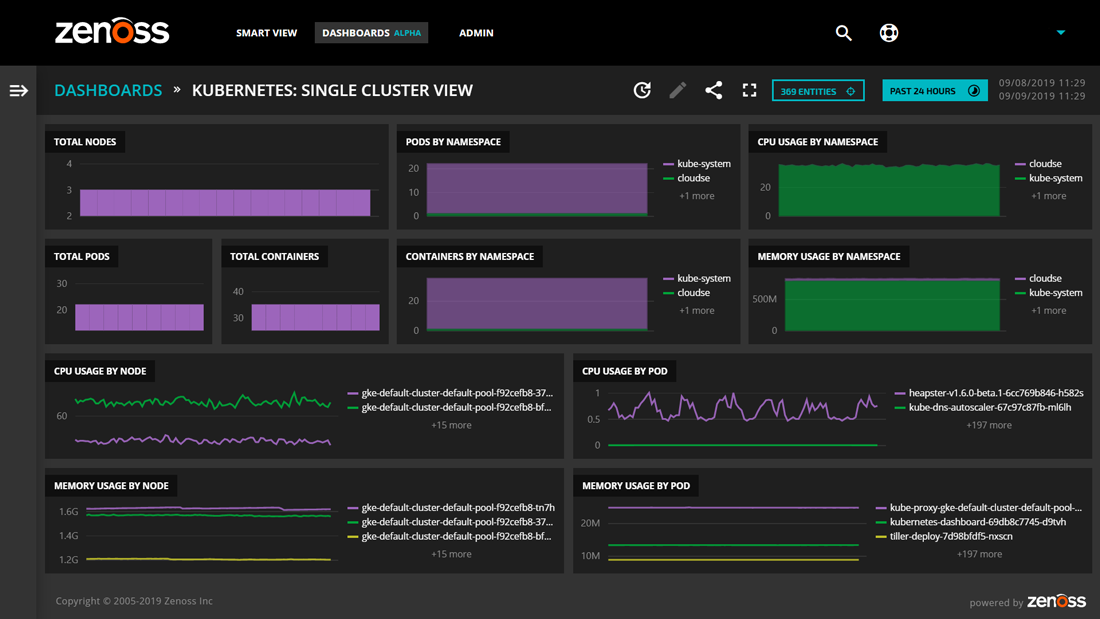
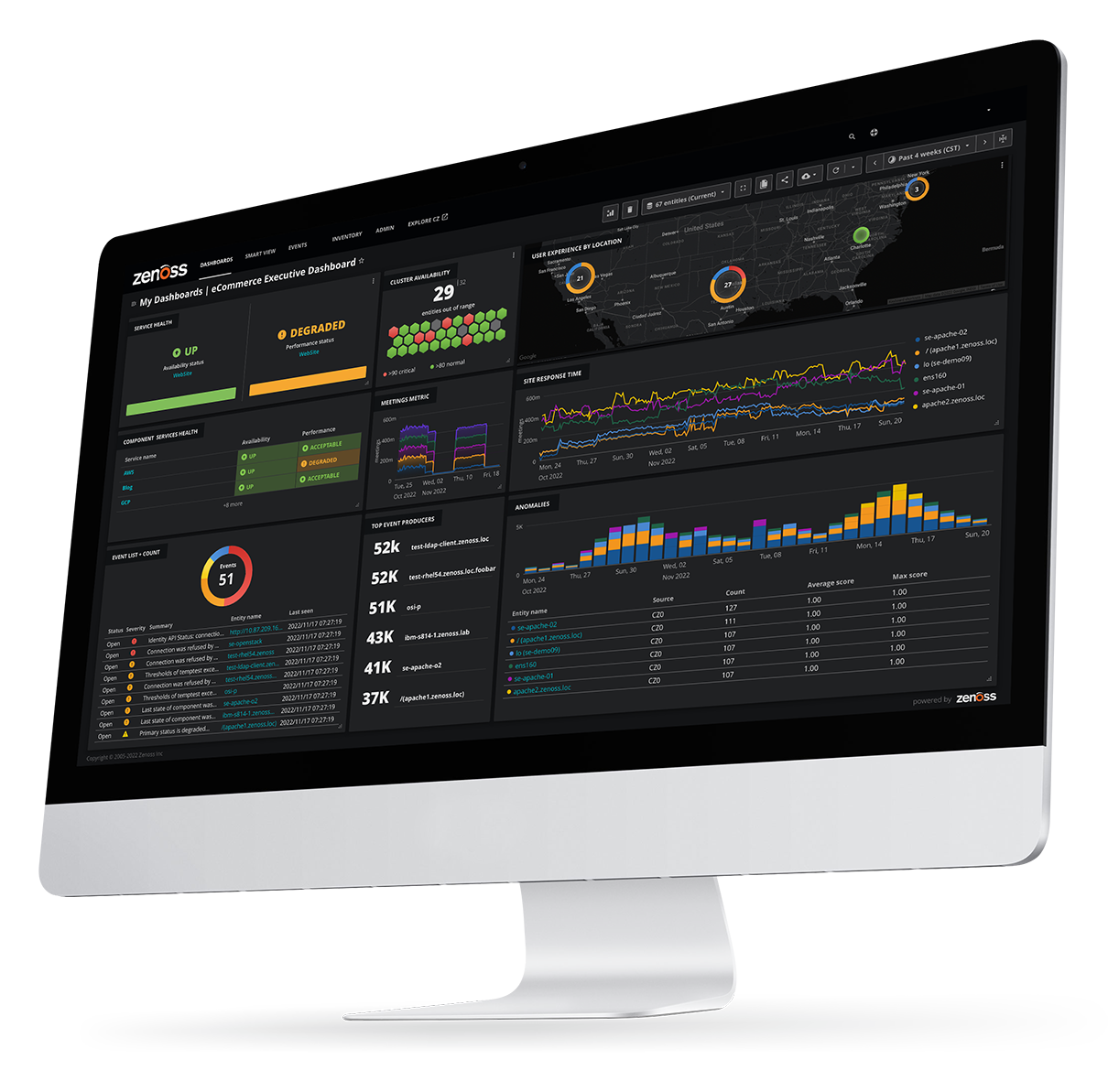
Dashboard ConfigurationThe Dashboard provides a high-level view into the current state of the devices being monitored. It is completely customizable allowing users to select what information is displayed. Key features include:
Geo Map/VisualizationZenoss includes integration with Google Maps that allows customers to display alerts at user-defined locations (addresses). Key features include:
Network TopologyThe network topology view provides a visual representation of how the network devices and servers are connected. This view makes it simple to see how network outages will affect other devices. Key features include:
Auto-DiscoveryZenoss scans specified networks and automatically discovers all the servers and network devices. After a device is discovered, Zenoss will automatically begin monitoring by applying monitoring templates. Key features include:
Manual PopulationDevices can be auto-discovered or manually entered as needed. When entering a device manually users can customize information such as the device name, location and organization.
Device List/InventoryThe device list provides a view of all network devices, their IP address, device class, production states and critical and/or errors events. Key features include:
Device OverviewThe Device Overview provides a view of the status, configuration, and events for a specified device. Key features include:
Device StatusThe Device page shows a roll up of status by device class making it easy to see which types of infrastructure are having problems. From this page, it is possible to quickly drill down for more information on an event Key features include:
Event ConsoleZenoss normalizes all monitoring data to allow network administrators to view events from multiple sources including availability tests, performance threshold breaches, system logs, and more. Key features include:
Network AvailabilityThe network status page shows the availability of devices connected to a specific network device. From this page, it is possible to see exactly which network interfaces are being used and how they are performing.
Event Time To ResolutionZenoss includes reports showing how long it took to resolve a given event. This helps determine which problems are taking the longest time to resolve. Key features include:
Performance GraphsZenoss includes the ability to graph parameter data on a performance charts making it easy to spot bottlenecks. Multiple Parameters may also be placed on a single chart, which is useful for finding correlations and performing comparisons.
Monitoring Java ApplicationsZenoss can monitor a variety of Java Application Servers and other Java applications via JMX.
Multi-variable Performance ChartsZenoss performance charts allow for multiple parameters to be shown on a single chart making it easy to spot trends and correlate data. Key features include:
Availability ReportThe Availability Reports shows the uptime for group of devices that are in an organizer. Device may be group into different organizers making it easy to create availability reports based on location, function, or any other user-defined criteria.
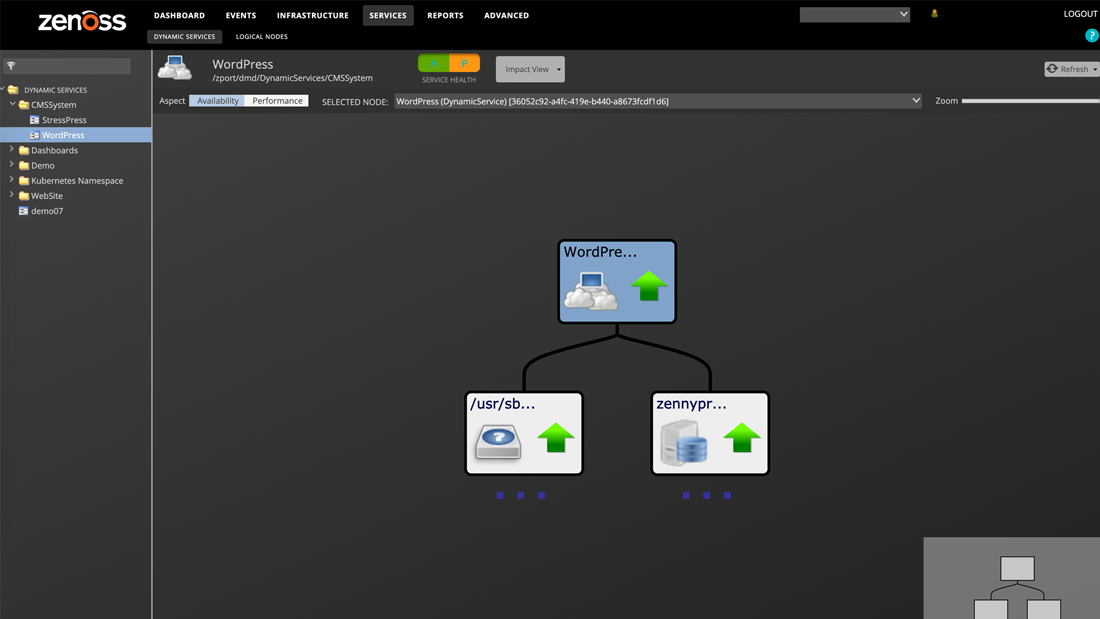
Business SystemsCustomers have the ability to create logical groups of systems that represent business functions. These groups make it easy to see how device alerts affect business services. Key features include:
Distributed Collector ManagementThe Zenoss collectors gather performance and availability data from the target devices being monitored. From this screen, it is possible to manage the collectors. Key features include:
Native VMware MonitoringAutomatically discover and inventory all Virtual Infrastructure (VI3) components including Virtual Machines, ESX Servers, clusters, and VMware data stores. Key features include:
OS MonitoringZenoss monitors a variety of operating systems including Windows, Unix, and Linux. Key features include:
Windows ServicesZenoss includes the ability to discover and monitor the performance and availability of Windows Services. You can configure Zenoss to automatically detect and begin monitoring specific Windows Services as new Window Servers are added to your network.
Device ClassificationDevice classification allows users to quickly configure which parameters are monitored on the specified device. Existing configuration and alerting rules are applied once a device has been classified. Key features include:
Cloud MonitoringZenoss monitors the performance & availability of servers deployed in Amazon's EC2. Zenoss consolidates all your cloud monitoring and internal infrastructure monitoring into one central location.
|